
What you need
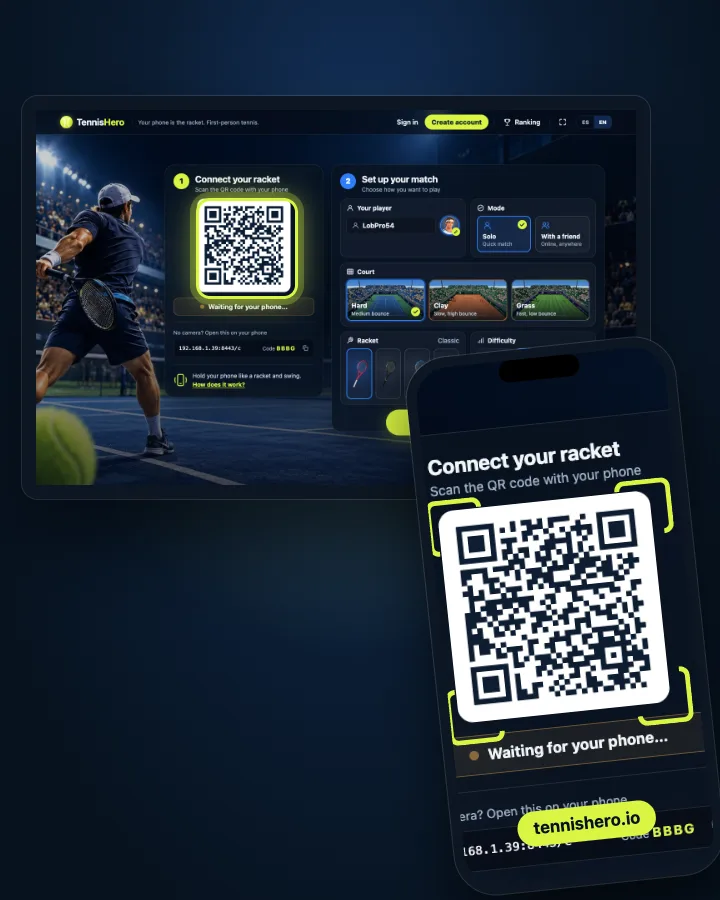
- A computer, laptop or smart TV with a modern browser (Chrome, Edge, Safari or Firefox).
- A phone with motion sensors (practically every smartphone).
- An internet connection on both.
Hitting the ball
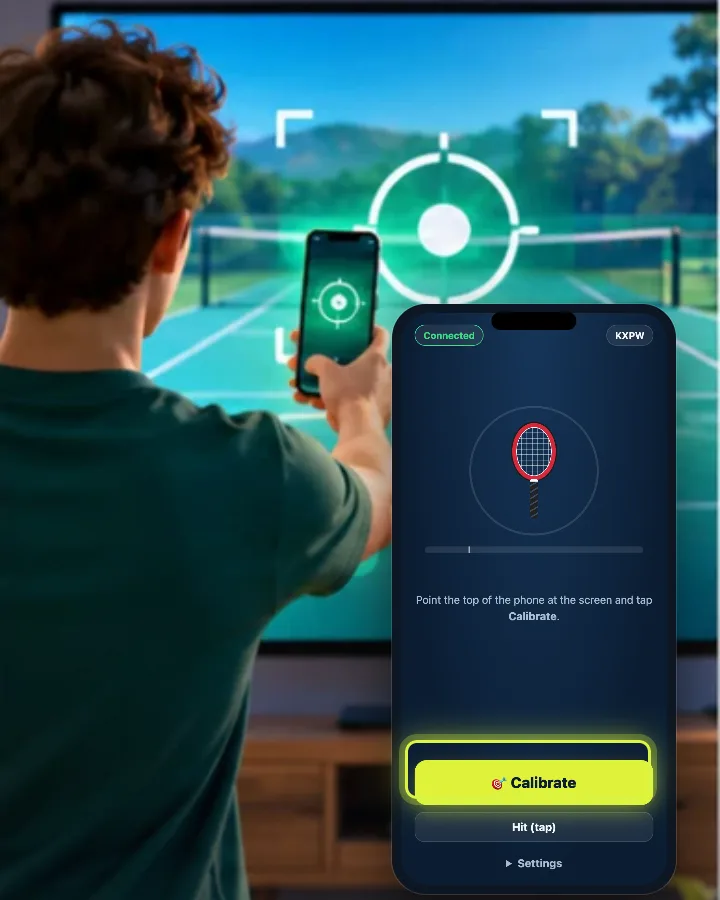
Your player runs to the ball on their own: you just swing. The faster the swing, the harder and deeper the shot.
Aiming and difficulty
- Easy: your shots find the open court on their own.
- Normal: timing aims. Hit early for cross-court, late for down the line.
- Hard: you aim with the racket face — the ball goes where it points when you hit. A full swing also hits harder than a flick of the wrist.
Serving
One swing tosses the ball, another one hits it — ideally right at the top of the toss.
Courts
On clay the ball bounces high and slow; on grass it skids, stays low and flies; hard court is in between.
Playing with a friend
Choose With a friend and send the link. Your friend opens it on their own computer or TV and connects their own phone: you can be in different cities.
Just your phone
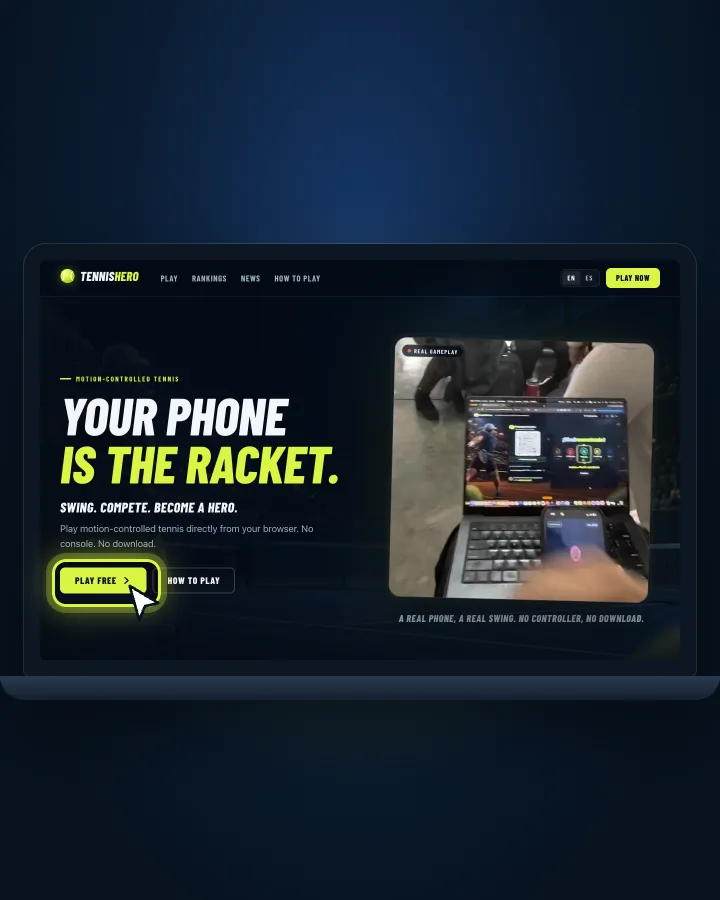
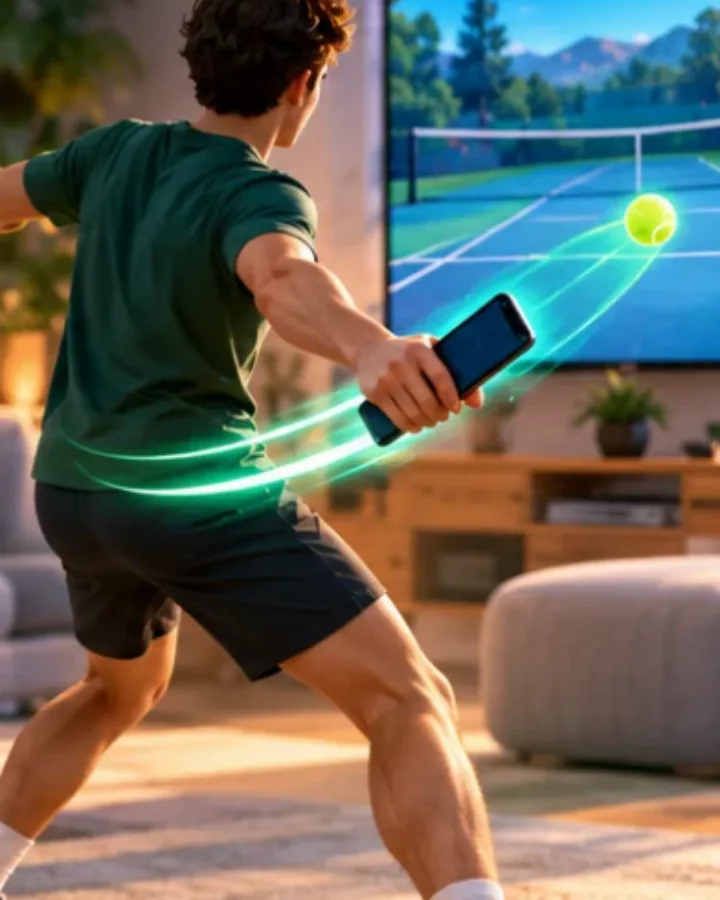
TennisHero is played with your phone as the racket: its gyroscope reads every swing. Any phone with a browser works, nothing to install. On the screen, F toggles fullscreen and Esc opens the menu.
Common questions
- Do I need to download anything?
- No. TennisHero runs in the browser on both the big screen and the phone.
- Does the phone need to be on the same Wi-Fi?
- It works best on the same network, but it isn't required: the phone connects over the internet.
- My phone doesn't respond to swings.
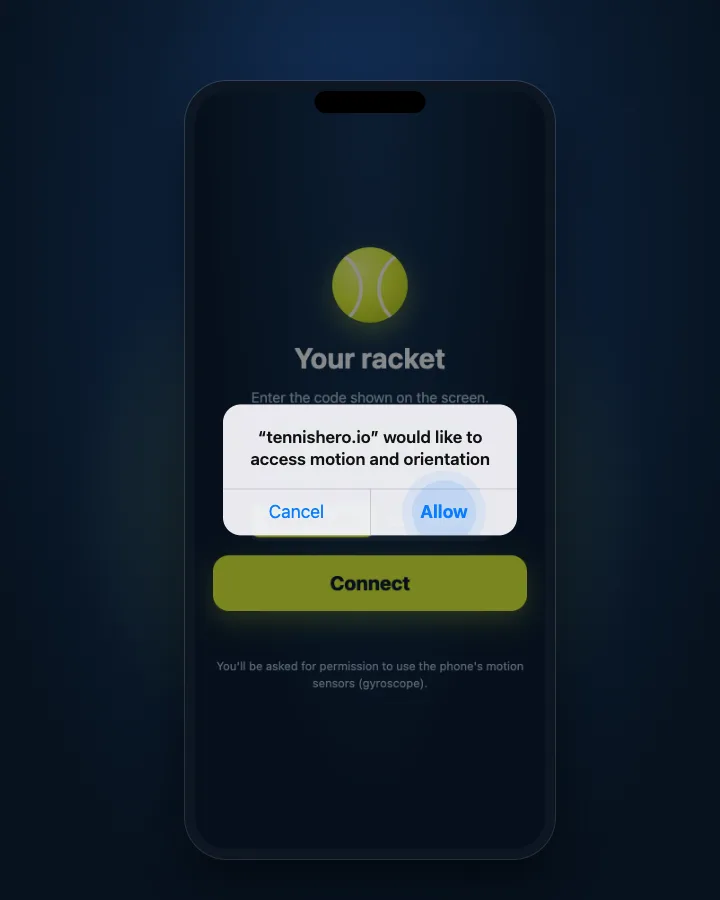
- Make sure you allowed motion access. On iPhone, reload the controller page and tap Connect again to be asked once more.
- Is it free?
- Yes, TennisHero is free to play.